
Find and identify
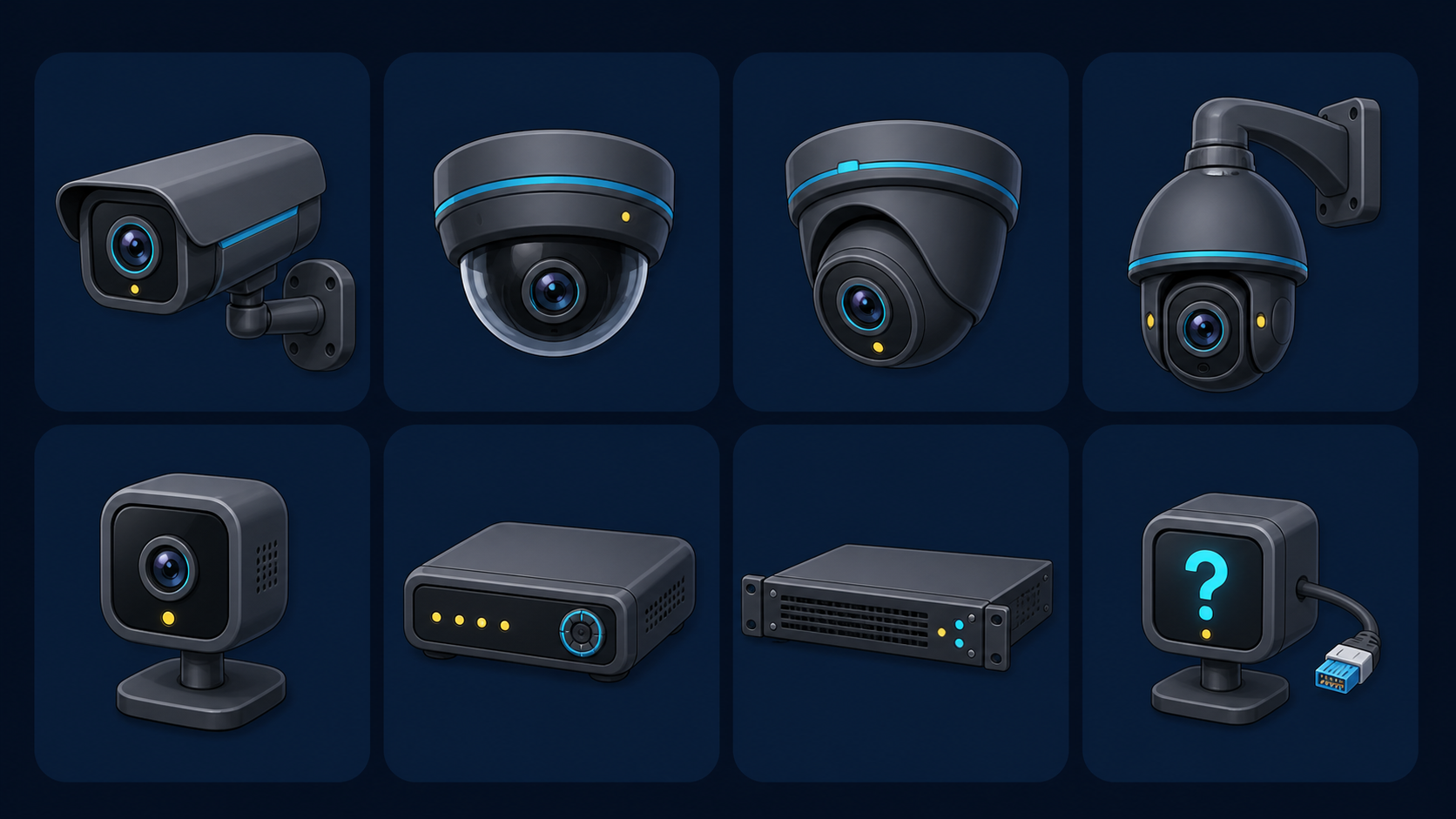
Discover supported devices on the local network, with an offline Hikvision and Dahua family catalogue that helps tell cameras, DVRs and NVRs apart.
Android & Fire TV CCTV viewer
Discover cameras and recorders on your network, arrange the views you want, then watch them without the clutter.
v026Android 6+90.6 MBOne device per licence
Built for real CCTV systems
See CCTV keeps day-to-day viewing simple while leaving the useful setup controls close at hand.
Discover supported devices on the local network, with an offline Hikvision and Dahua family catalogue that helps tell cameras, DVRs and NVRs apart.
Create and reorder views from a single feed through to large multi-camera layouts. Recorder channels can be added in batches.
Pair a Fire TV licence without typing a long key on the remote, then use the local setup page to configure cameras over your trusted network.
Broad compatibility
See CCTV offers modern and legacy paths, main and substreams, TCP/UDP fallback and a manual RTSP override for unusual equipment.
Discovery and stream support vary by device firmware, codec and network. Manual RTSP entry remains available when automatic discovery cannot identify a device.
 Viewer ready
Quick installation
Open this page on the Android device or enter seecctv.mrlogic.uk in the Fire TV Downloader browser, then follow the protected download link.
If Android asks, allow your browser or Downloader to install unknown apps. This is expected for an APK installed outside Google Play.
Each licence registers one device. On Fire TV, use the short code shown by the app to pair it from your phone, then discover cameras or add a stream manually.
Enter the short address above and open the licensed download. After installing, See CCTV shows a short pairing code; complete registration on your phone instead of typing a long licence with the remote.
Good to know
Use See CCTV only with cameras and recorders you own or are authorised to access.
See CCTV is distributed directly by Mr Logic rather than through Google Play. Android therefore asks you to approve the browser or Downloader app as an installer.
One licence registers one Android or Fire TV device. The app periodically renews its signed access through the licence's paid-through date while camera details and saved views remain on the viewing device.
See CCTV displays a short pairing code and the address to open on your phone. Enter the code and licence there to register the TV. After activation, the separate local setup page on port 8080 can be used to configure cameras from the same trusted network.
Yes. Release the registered device first, then register the replacement with the same licence. If the old device is lost or broken, the registration can be released for you before re-registering.
Renewal extends the licence's paid-through date. The registered app refreshes that date online; renewal does not create another device seat.
No app can guarantee automatic setup for every recorder and firmware. See CCTV includes common Hikvision, Dahua, ONVIF and RTSP routes, plus manual URLs and playback options for unusual systems.
See what matters
Download the current signed release for Android and Fire TV.